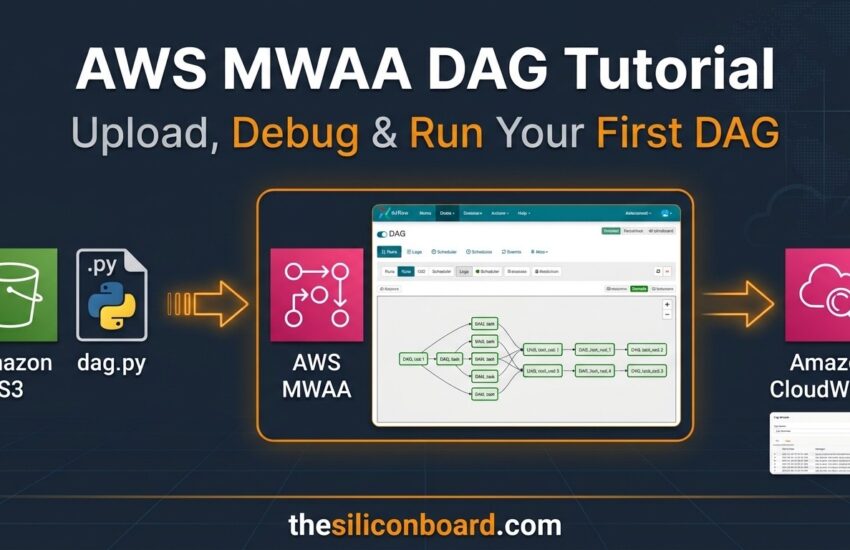
Introduction In the previous tutorial, we created an AWS MWAA environment and configured all required components such as S3 buckets, IAM roles, VPC settings, and CloudWatch logging. Once the MWAA environment is ready, the next step is understanding how to upload and execute a DAG. In this tutorial, we’ll upload a Python DAG file to Amazon S3, verify that AWS MWAA detects it, troubleshoot potential issues using CloudWatch, and finally run the workflow from the Airflow UI. Prerequisites Before starting, ensure you already have: ✅ Running AWS MWAA Environment ✅ S3 Bucket ✅ DAGs Folder ✅ IAM Role ✅ Access
Read More