
 Posted by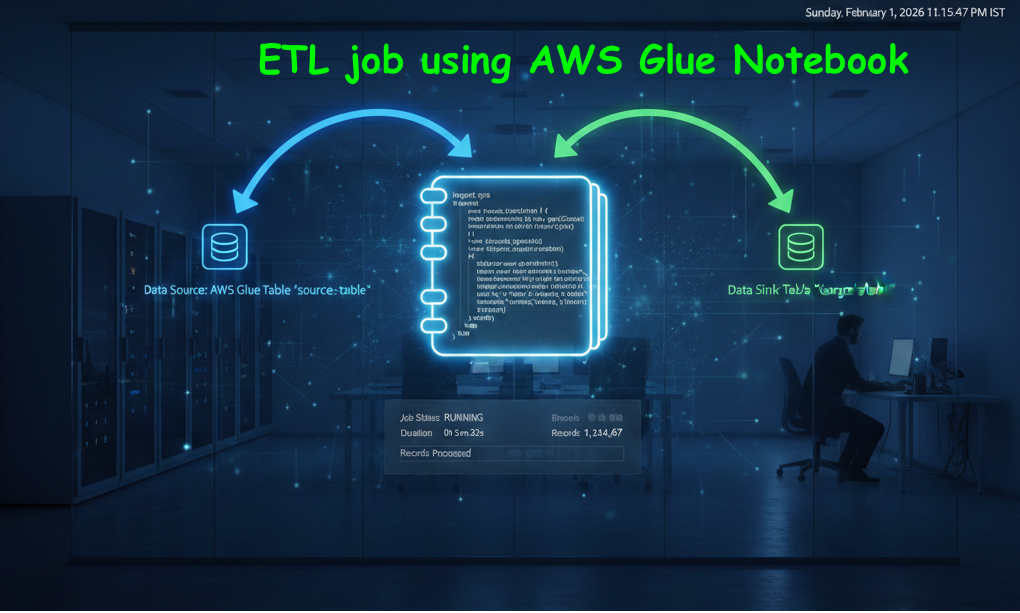
Introduction: ETL job using Glue notebook
Hello Coders! In this blog we shall discuss the steps to create ETL job using Glue notebook. The primary focus will be to read(extract) a csv file, transform the data and again load it in the S3 bucket. Therefore the flow goes like this: The table is in Athena, Crawler created the table. Notebook will access the table. We shall write the ETL program inside the notebook. In the last stage, the modified table a.k.a transformed data is updated.
But here is the special part of this blog, we shall automaticaly re-run the Crawler. Therefore, the table column names are also updated automatically. Hence, this blog will be a true ETL example, where a single python/pyspark code will handle end to end task.
If you haven’t read my Visual ETL job creation blog, click here to read.
Prerequisites for ETL job using Glue notebook operation:
These following steps will help us to create table in
- Keep a csv file in a specific s3 folder.
- Create a crawler and using that crawler create a table from the dataset which we have uploaded in the S3.
- When the table is created, go to Athena, execute any select query to varify the existance of the table and the data flow.
Now, till point number 3, Extraction part of E.T.L is done.
Transformation and Load operations using Glue notebook:
These following lines are called Glue magics. They are soley used to configure Glue notebook and underlying infrastructures. Keep these lines at the begining of the notebook:
%%configure
{
"--TempDir": "s3://xx/temp/",
"script_location": "s3://xx/GlueScripts/",
"--spark-event-logs-path": "s3://xx/GlueLogs/"
}
%idle_timeout 2880
%glue_version 5.0
%worker_type G.1X
%number_of_workers 2
Important imports:
import sys
from awsglue.transforms import *
from awsglue.utils import getResolvedOptions
from pyspark.context import SparkContext
from awsglue.context import GlueContext
from awsglue.job import Job
import boto3
sc = SparkContext.getOrCreate()
glueContext = GlueContext(sc)
spark = glueContext.spark_session
job = Job(glueContext)
dyf = glueContext.create_dynamic_frame.from_catalog(database='toy', table_name='student')
dyf.printSchema()
dyf.show()
Applying transformation on the table(data):
For this example we are just renaming the columns names.
In the example below: firstname is the old column name, first_name is the new columns name. String is the datatype. In Glue its complusory to define datatype for each column name. Therefore, it is called dynamic dataframe.
newDyfMapped = dyf.apply_mapping([
("firstname","string","first_name","string"),
("lastname","string","last_name","string"),
("address","string","locationx","string")
])
Displaying the newly created datarframe:
newDyfMapped.show()
sink = glueContext.write_dynamic_frame.from_options(
frame=newDyfMapped,
connection_type="s3",
connection_options={"path": output_path},
format="csv",
transformation_ctx="sink")
Here in the first try block, we are deleting the old csv file. This old csv file is from where crawler created the table. In the second try block, we are re-running the crawler. Hence, this action will create a table with updated table schema.
try:
    source_bucket = "manual-bucketfor-research-purpose"
    source_key = "student/student.csv"
    s3_client = boto3.client("s3")
    s3_client.delete_object(Bucket=source_bucket, Key=source_key)
    print("Successfully deleted source file.")
except Exception as e:
    print(f"Error deleting source file: {e}")

try:
    crawler_name = "crawlerStudent"
    print(f"Starting crawler: {crawler_name}")
    glue_client = boto3.client('glue')
    glue_client.start_crawler(Name=crawler_name)

print(f"Successfully started crawler: {crawler_name}")

except Exception as e:

print(f"Error starting crawler: {e}")
Commiting the job:
# --- Commit the job ---
job.commit()
print("Job committed successfully.")
job.commit()
The full code :
%%configure
{
    "--TempDir": "s3://manual-bucketfor-research-purpose/temp/",
    "script_location": "s3://manual-bucketfor-research-purpose/GlueScripts/",
    "--spark-event-logs-path": "s3://manual-bucketfor-research-purpose/GlueLogs/"
}

%idle_timeout 2880
%glue_version 5.0
%worker_type G.1X
%number_of_workers 2

import sys
from awsglue.transforms import *
from awsglue.utils import getResolvedOptions
from pyspark.context import SparkContext
from awsglue.context import GlueContext
from awsglue.job import Job
import boto3

sc = SparkContext.getOrCreate()
glueContext = GlueContext(sc)
spark = glueContext.spark_session
job = Job(glueContext)

dyf = glueContext.create_dynamic_frame.from_catalog(database='toy', table_name='student')
dyf.printSchema()
dyf.show()

newDyfMapped = dyf.apply_mapping([
    ("firstname","string","first_name","string"),
    ("lastname","string","last_name","string"),
    ("address","string","locationx","string")
])
newDyfMapped.show()

output_path = "s3://manual-bucketfor-research-purpose/student/"

sink = glueContext.write_dynamic_frame.from_options(
   frame=newDyfMapped,
   connection_type="s3",
   connection_options={"path": output_path},
   format="csv",
   transformation_ctx="sink")

try:
    source_bucket = "manual-bucketfor-research-purpose"
    source_key = "student/student.csv"
    s3_client = boto3.client("s3")
    s3_client.delete_object(Bucket=source_bucket, Key=source_key)
    print("Successfully deleted source file.")
except Exception as e:
   print(f"Error deleting source file: {e}")

try:
   crawler_name = "crawlerStudent"
   print(f"Starting crawler: {crawler_name}")
   glue_client = boto3.client('glue')
   glue_client.start_crawler(Name=crawler_name)
   print(f"Successfully started crawler: {crawler_name}")

except Exception as e:
    print(f"Error starting crawler: {e}")

# --- Commit the job ---

job.commit()
print("Job committed successfully.")
job.commit()
Conclusion ETL job using Glue notebook:
If we observer closely, we are creating a full circle. We extracted the data from s3, did some transformation task, stored the data in the s3 and at last we ran the crawer. So that, the tables is updated. Therefore, this is truly a complete ETL job using Glue.